

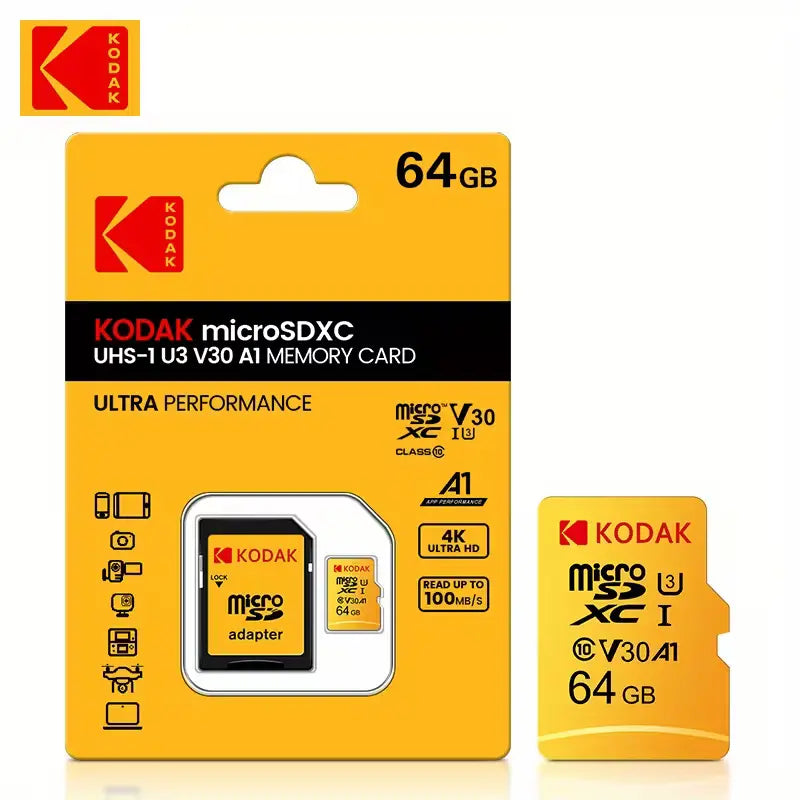
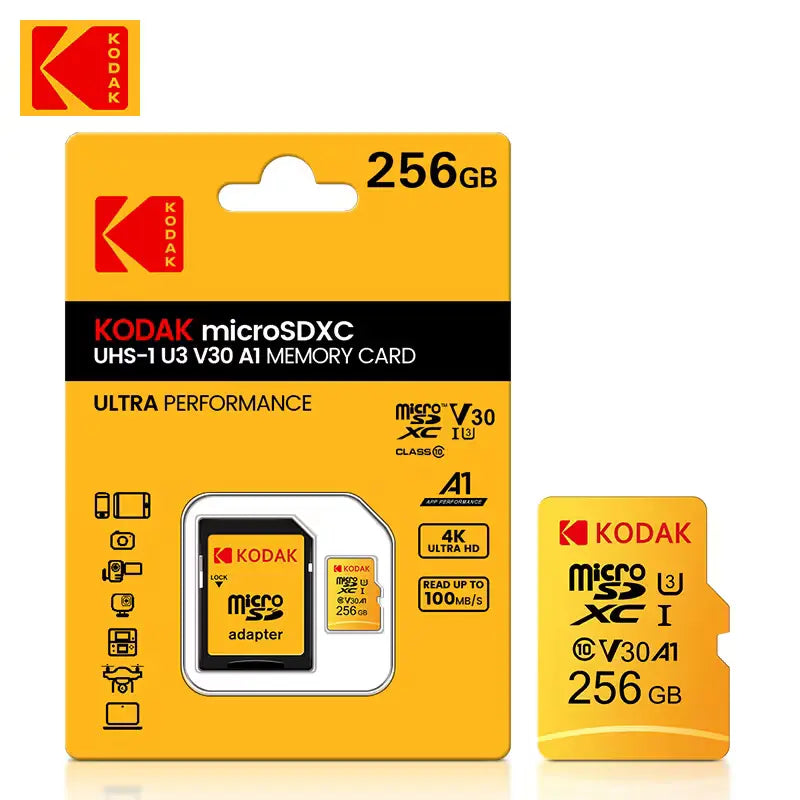
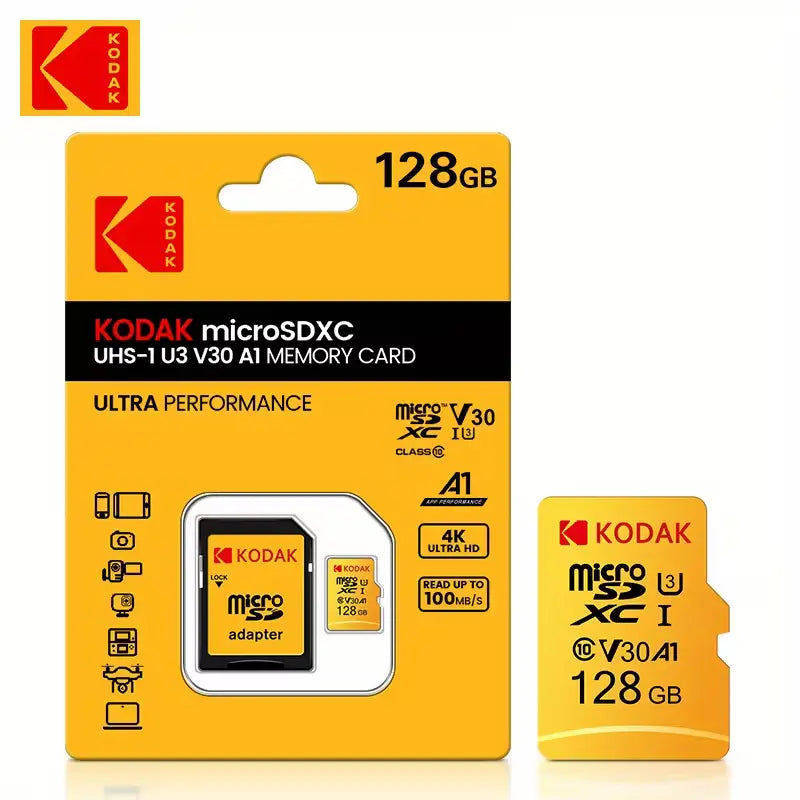
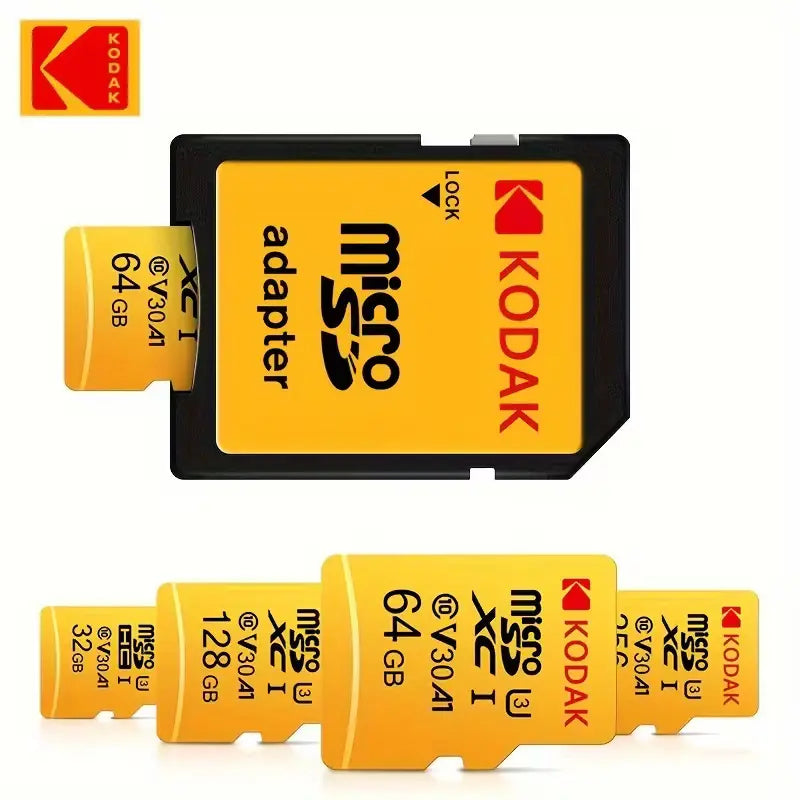
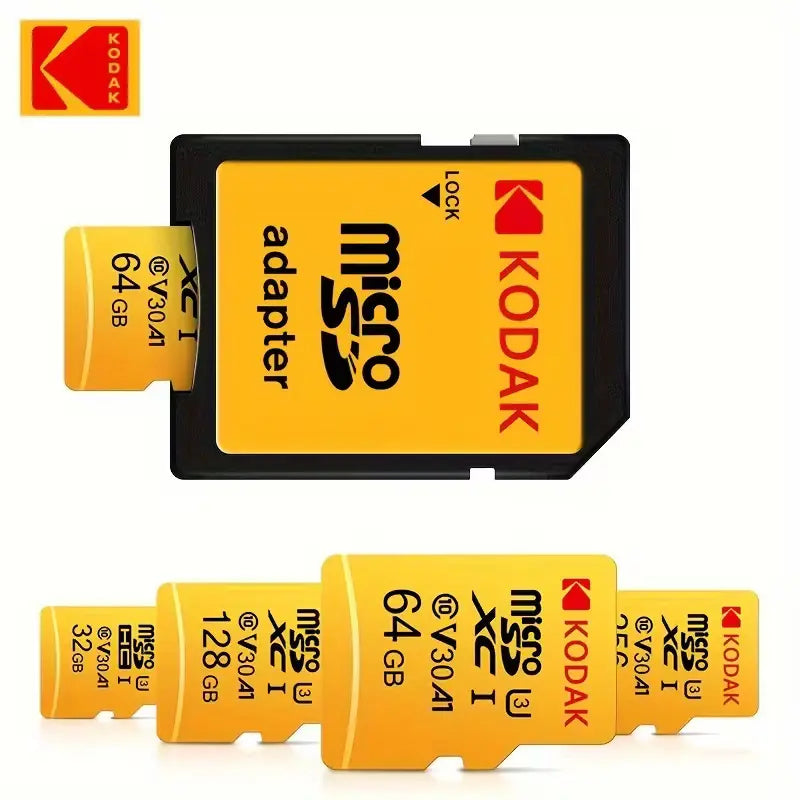


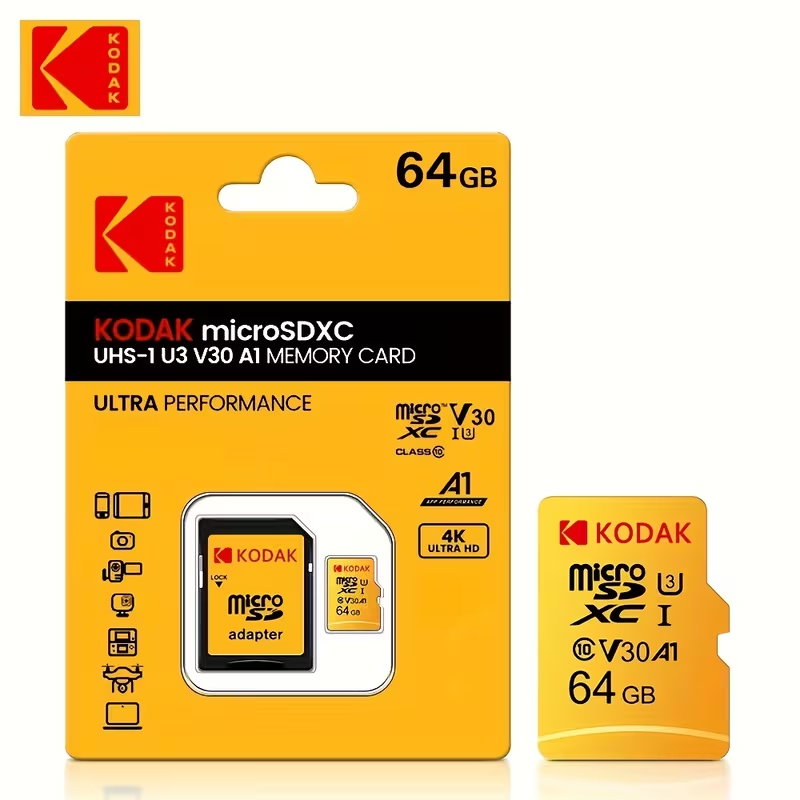
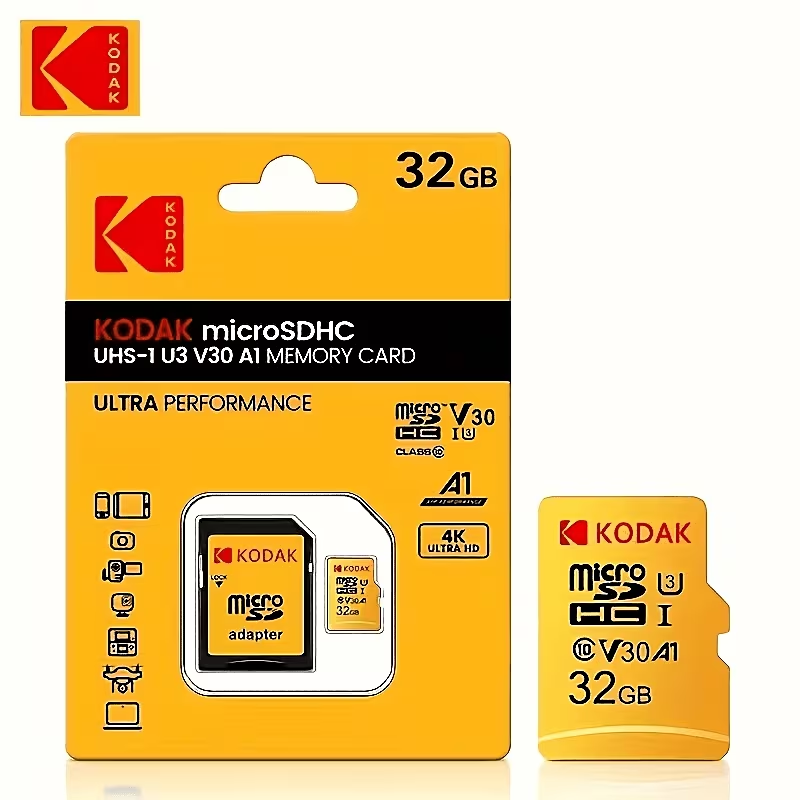
Kodak MicroSD Memory Card Class 10, U3, V30, A1 | 16GB–256GB for Dash Cams, Cameras, PCs, Smartphones, Tablets & More
Share
Guaranteed Safe Checkout
High-Speed Class 10 MicroSD Memory Card
Expand your device’s storage with a reliable Class 10 microSD/TF memory card. Designed for everyday photos, videos, documents, music, and app storage, it is suitable for a wide range of compatible devices.
Key Features
- Class 10 performance: Designed for smooth and efficient file transfers.
- Multiple storage options: Available in 16GB, 32GB, 64GB, 128GB, and 256GB capacities.
- Durable construction: Built for dependable everyday use.
- Temperature resistant: Suitable for use in a variety of operating conditions.
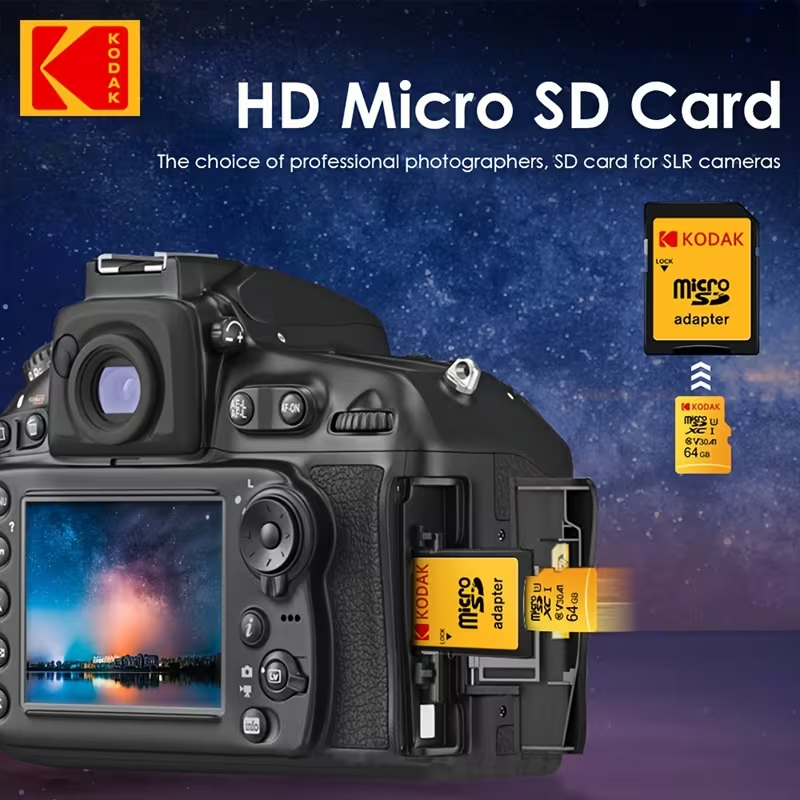
- Versatile compatibility: Ideal for compatible smartphones, tablets, cameras, dash cams, security cameras, computers, and other microSD-enabled devices.
Available Capacities
- 16GB
- 32GB
- 64GB
- 128GB
- 256GB
Usable Storage Capacity
The available storage shown on your device may be lower than the advertised capacity. This is normal and occurs because manufacturers and operating systems calculate storage differently. A portion of the memory may also be reserved for formatting and system files.
- 16GB: Approximately 14GB–15GB
- 32GB: Approximately 28GB–30GB
- 64GB: Approximately 58GB–60GB
- 128GB: Approximately 115GB–119GB
- 256GB: Approximately 230GB–238GB
Installation and Usage
- Turn off your device before inserting or removing the memory card.
- Insert the card into the device’s microSD/TF card slot in the correct direction.
- Turn on the device and format the card if prompted.
- Always safely eject the card before removing it from a computer or card reader.
How to Verify Capacity and Performance
For accurate testing, use a reliable USB 3.0 card reader and verify the memory card on a Windows PC using H2testw or another trusted storage-testing program.
Important: Testing through a low-quality card reader, USB hub, or older USB port may produce slower or inaccurate results.
Product Images




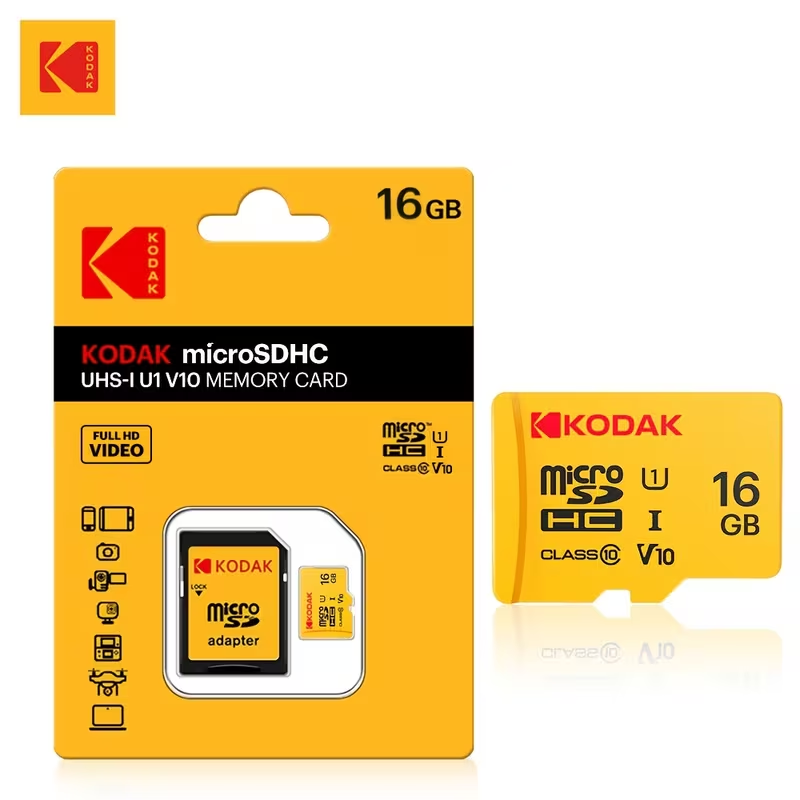
Please check your device’s supported card type and maximum storage capacity before ordering.